
At a glance
- Duration
- 30 minutes
- Costs
- None, no obligation
- Example
- Your own use case
- With whom
- The BitKollegen GmbH team, Hannover
- Confirmation
- By email, with all the details
- Afterwards
- 30-day trial, up to 2 clusters
In 30 minutes from an empty Scaleway project to your first deployment – live, on your own use case, with the people who build Clusterward.
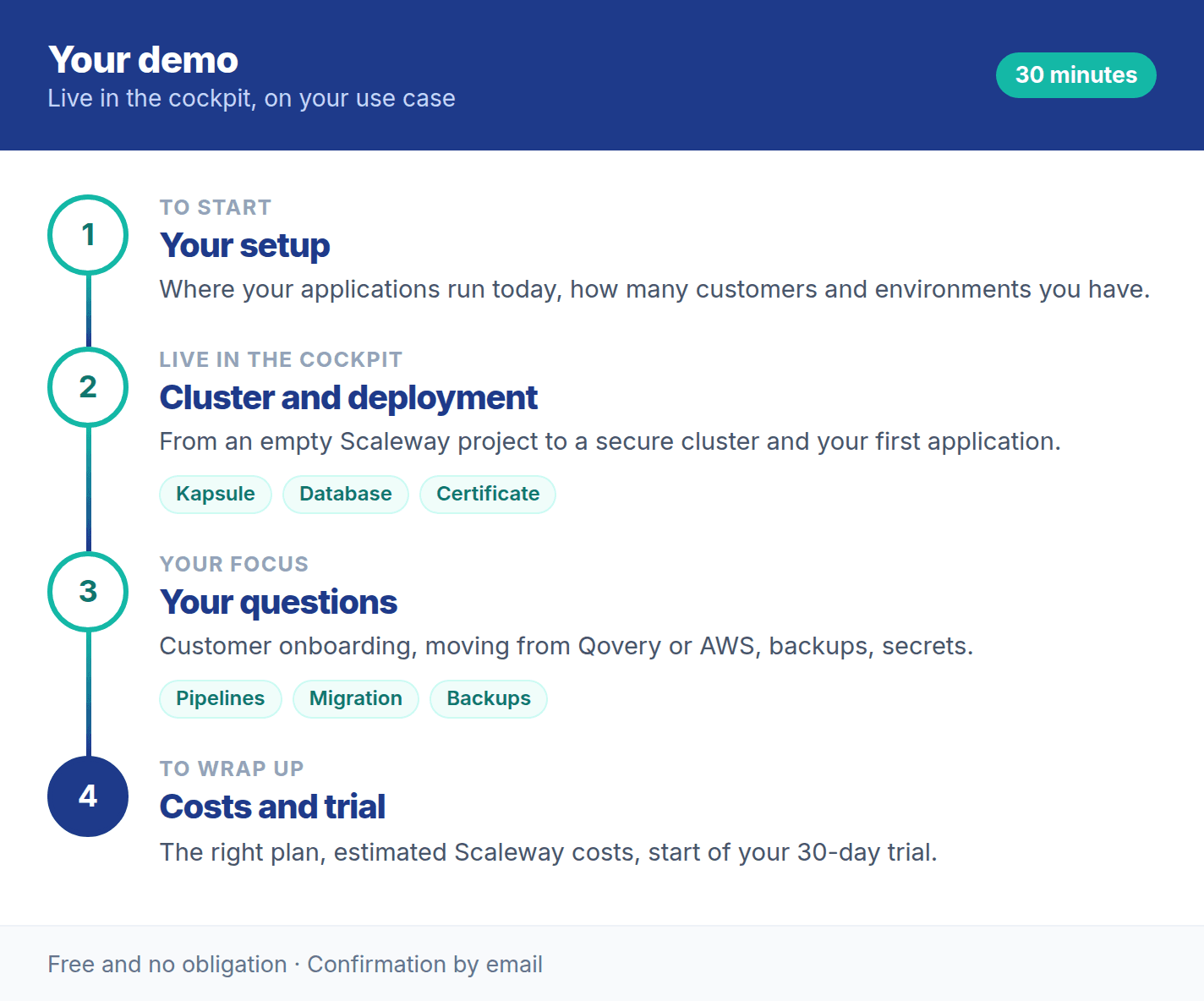
Choose a day and time for a 30-minute demo. You will receive a confirmation with all the details by email.
Booking is provided by Microsoft Bookings. Loading it transfers data (including your IP address) to Microsoft.
The Clusterward demo is a 30-minute live session in which we show the cockpit on your own use case instead of a standard example: how a cluster is created securely, how an application goes live with a database and domain, and how your specific questions are solved. At the end, you get an estimate of your Scaleway costs.
You don’t need to prepare anything. Your own Scaleway project only becomes important for the trial afterwards.
The demo is a good fit if you run applications on Scaleway or want to move them there.
You set up a database, bucket, domain and application for every customer and want to do it with a pipeline instead of a script.
More for SaaS vendorsYou look after many client projects and want to manage them in one cockpit with roles per client.
More for agencies & studiosYou give customers their own clusters or workspaces and need a control layer that grows with you.
More for platform operatorsYou want predictable costs, less dependence on a single person and an overview of all environments.
More for CTOsTell us at the start of the session – or in advance via the contact form – what interests you most.
From Qovery, a DIY setup or AWS, Azure, Google Cloud.
Tenant pipelines with offboarding and backup.
Postgres, MySQL, backups, restore.
DNS records, Let’s Encrypt, wildcards.
Scaleway Secret Manager with rotation.
Logs, usage, uptime checks, alerts.
Plan and Scaleway costs for your configuration.
Roles, mandatory 2FA, audit log, evidence.
We activate your workspace for 30 days, free of charge and with all features.
You add an IAM key from your own Scaleway project.
Clusterward creates up to 2 clusters or connects existing ones.
Before the trial ends, you choose Starter, Team or Platform.
The individual steps are described in Getting started; the plans are listed on Pricing. The product overview shows how everything fits together.
Can’t find your question? Write to us – we usually reply on the same business day.
Ask a question